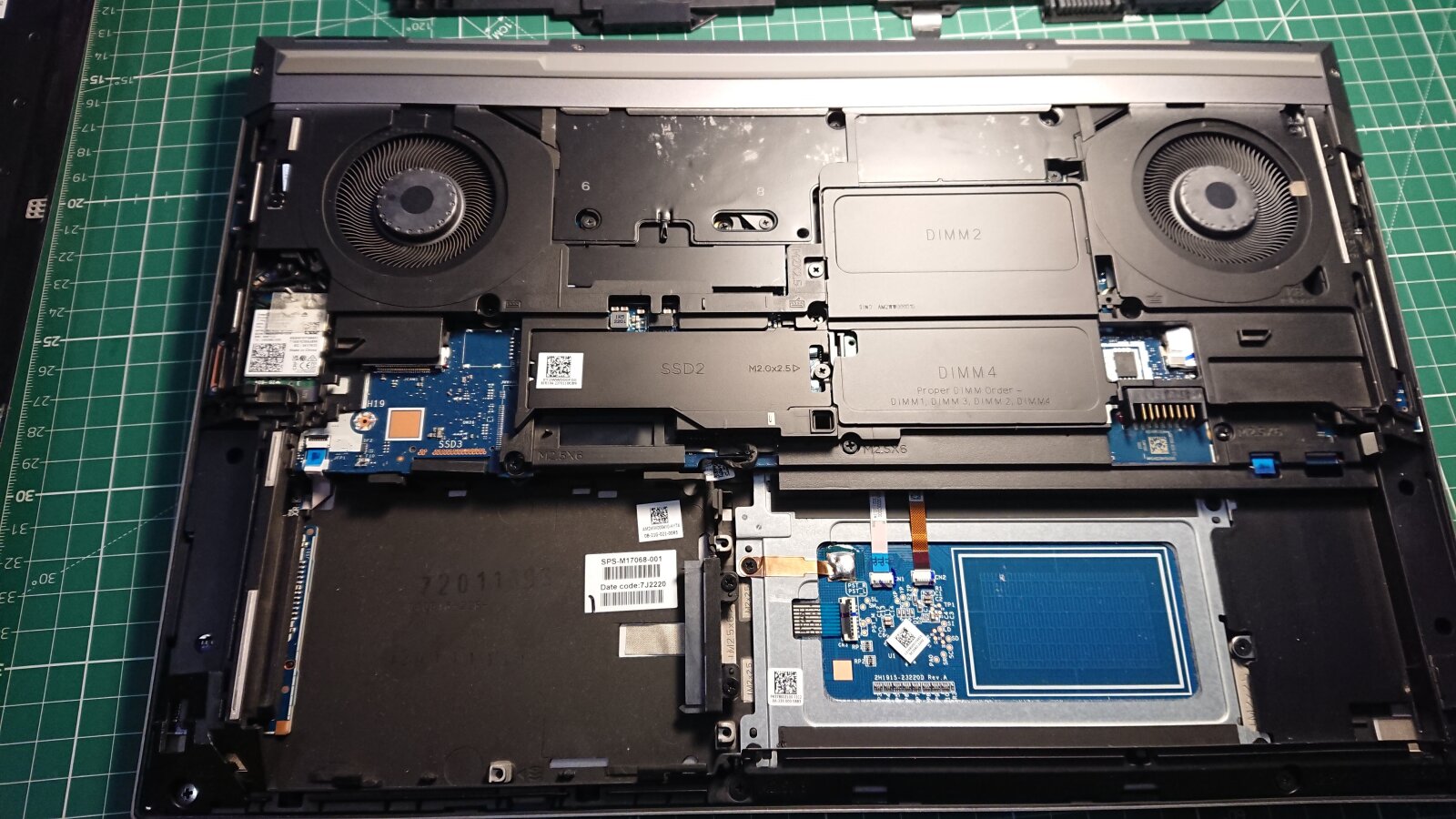
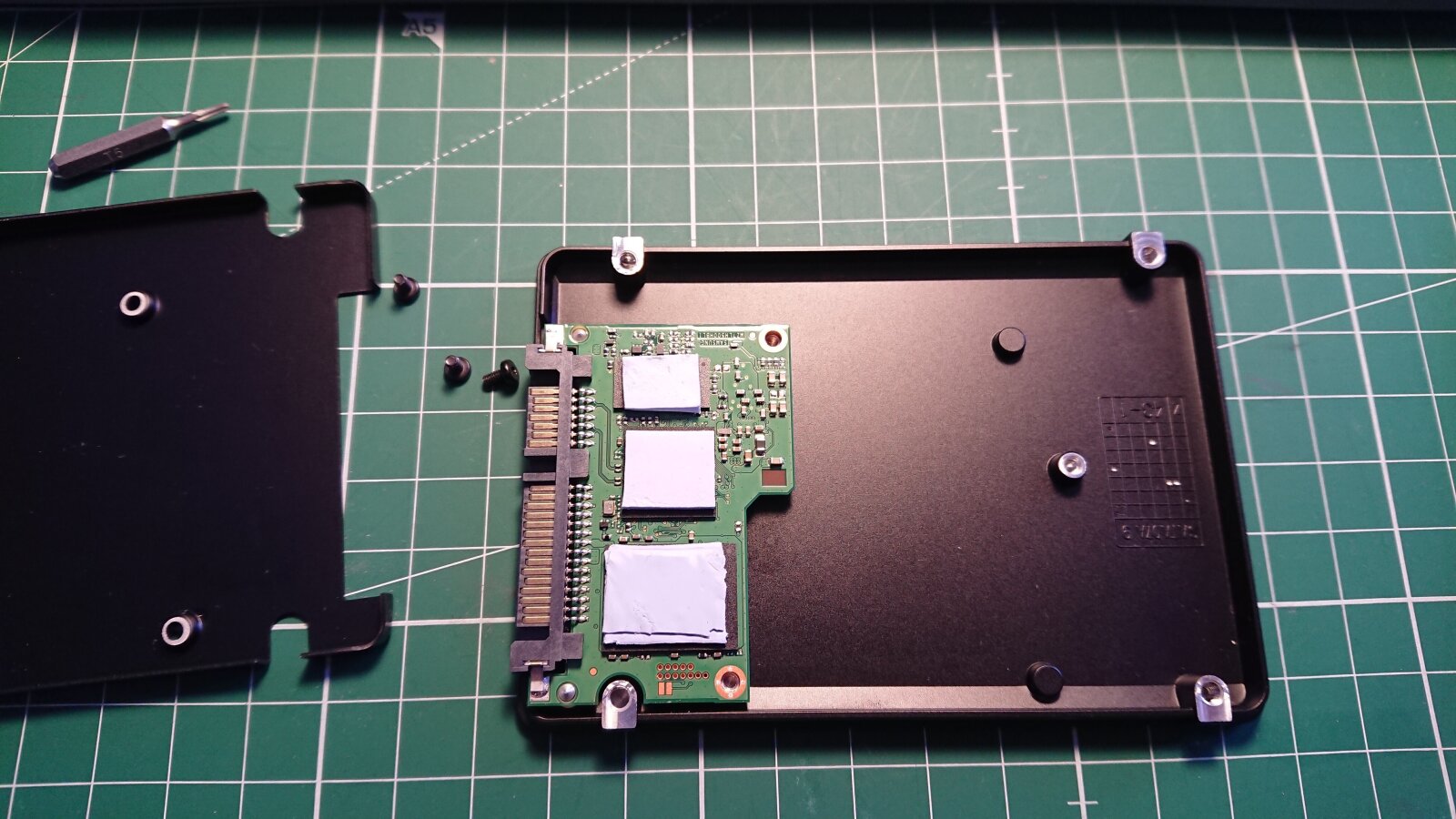
Hard Disk Drive magnetic heads

22/October/2024 hdd

Hard Disk Drive magnetic read/write heads 4032x3024 24-04-26_13-47-18.jpg
Hard Disk Drive magnetic read/write heads


Hard disk drive head assembly with four platters.
8 magnetic heads for two-way reading/writing of information from the plates.

Hard Disk Drive...

Burnt SpaceX Starlink

1/September/2024 starlink

Starlink Router PCB
Starlink Router PCB 4032x3024
24-09-01_14-53-38.jpg
Starlink Router PCB
Starlink Router PCB 4032x3024
24-09-01_14-54-23.jpg
Starlink Router PCB
Starlink Router PCB 4032x3024
24-09-01_14-54-42.jpg


Burnt SpaceX Starlink...

Token-based connection limitation

22/June/2024 nginx

Nginx token-based authentication 1600x896 nginx_api_token.png
Nginx token-based authentication

Everyone knows about the limits on the number of connections from one IP (IP-based), but what if we want to limit the number of connections to a certain API per authorization token?
And it doesn’t matter how many different IPs will be used.

Part of the nginx config:

1
2
3
4
5
6
7
8
9
10
11
12
13
14
15
16
17
18
19
20
map $request_uri $client_token {
    "~*(?i)(token=)([a-f0-9]{32})" $2;      # regex return <32str>
    default                        "";      # Fallback to limit_req_zone:global
}

limit_req_zone  $binary_remote_addr   zone=global:32m       rate=100r/s;    # Rule_1
limit_req_zone  $client_token         zone=tokenlimit:32m   rate=5r/s;      # Rule_2
limit_req       zone=global           burst=25;

server {
        location / {
            index index.html;
            root /var/www/html;
        }
        location = /api {
            index index.html;
            root /var/www/api/html;
            limit_req   zone=tokenlimit   burst=5 nodelay;  # api location
            limit_req   zone=global;                        # Fallback
            limit_req_status              429;              # 503
Token-based connection limitation...

Xorg from unprivileged user

12/January/2024 gdm3xorgkvmsecurity

Cage for an unprivileged user 1600x900 unprivileged-user-cage.png
Cage for an unprivileged user

Abstractly.
There is some software that needs X’s.
Download, install, launch - enjoy.
But here’s the problem: I don’t want to run software (absolutely everything that is not included in the standard debian repository.) like this on:

  1. My HOST.
  2. From my user.
  3. Under my user’s Xorg.
  4. Allow into my networks, including 127.0.0.0

In addition, a browser for regular web surfing and a browser for client banking are not the same browser, user, and sometimes even system.
We will not consider points 1, 2, 4 now; we will talk about X.

In debian, with standard system settings, LightDM is used as the default display manager.
You can enable listen tcp in it, but it runs Xorg processes as root.
In gdm3, on the contrary, by default, it launches Xorg from the user who logs into the environment, but the ability to enable listen tcp was broken.
More precisely, they left the ability to disable nolisten tcp,
but not enable listen tcp.

To do this, you need to edit the wrapper over X.

Xorg from unprivileged...

Damaged drones

25/December/2023 quadcopter

Damaged Autel Robotics 4032x3024 23-09-28_09-50-26.jpg
Damaged Autel Robotics
Damaged PCB
Damaged PCB 4032x3024
23-12-23_12-43-37.jpg
Damaged PCB
Damaged PCB 4032x3024
23-12-23_12-43-50.jpg
Damaged frame
Damaged frame 4032x3024
23-12-23_12-50-15.jpg


Damaged drones
Page 5 from 13