Welcome!
Vintage Web 2.0 aesthetics,
snippets of code,
thoughts, photography,
and a bit of charm. History of the siteLinux
Everything that concerns. Go to categoryElectronics
micro, radio,
and usual. Go to categoryPhoto
From different categories. View category
- « Home page »
- « Головна »
- « Главная »
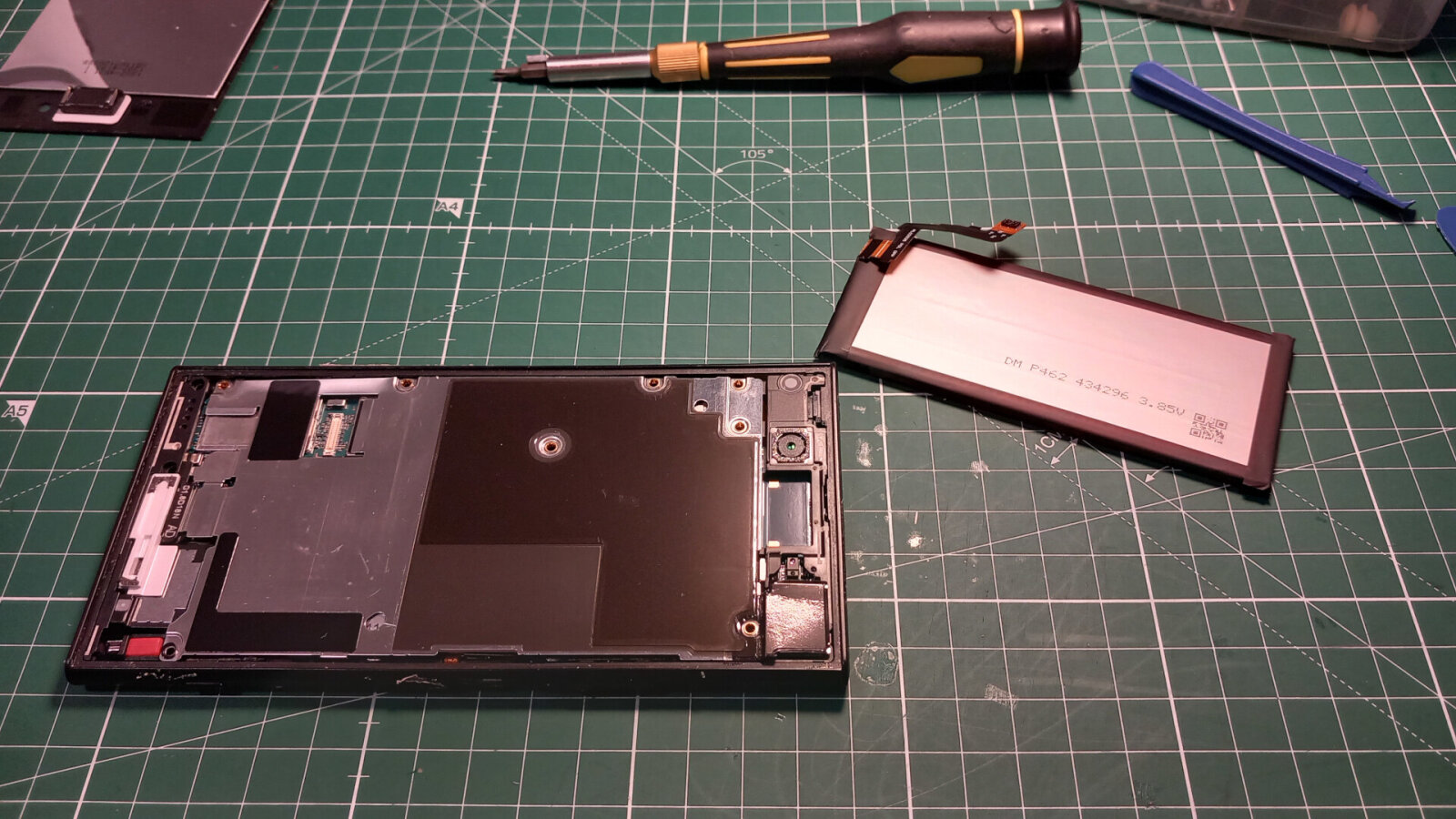
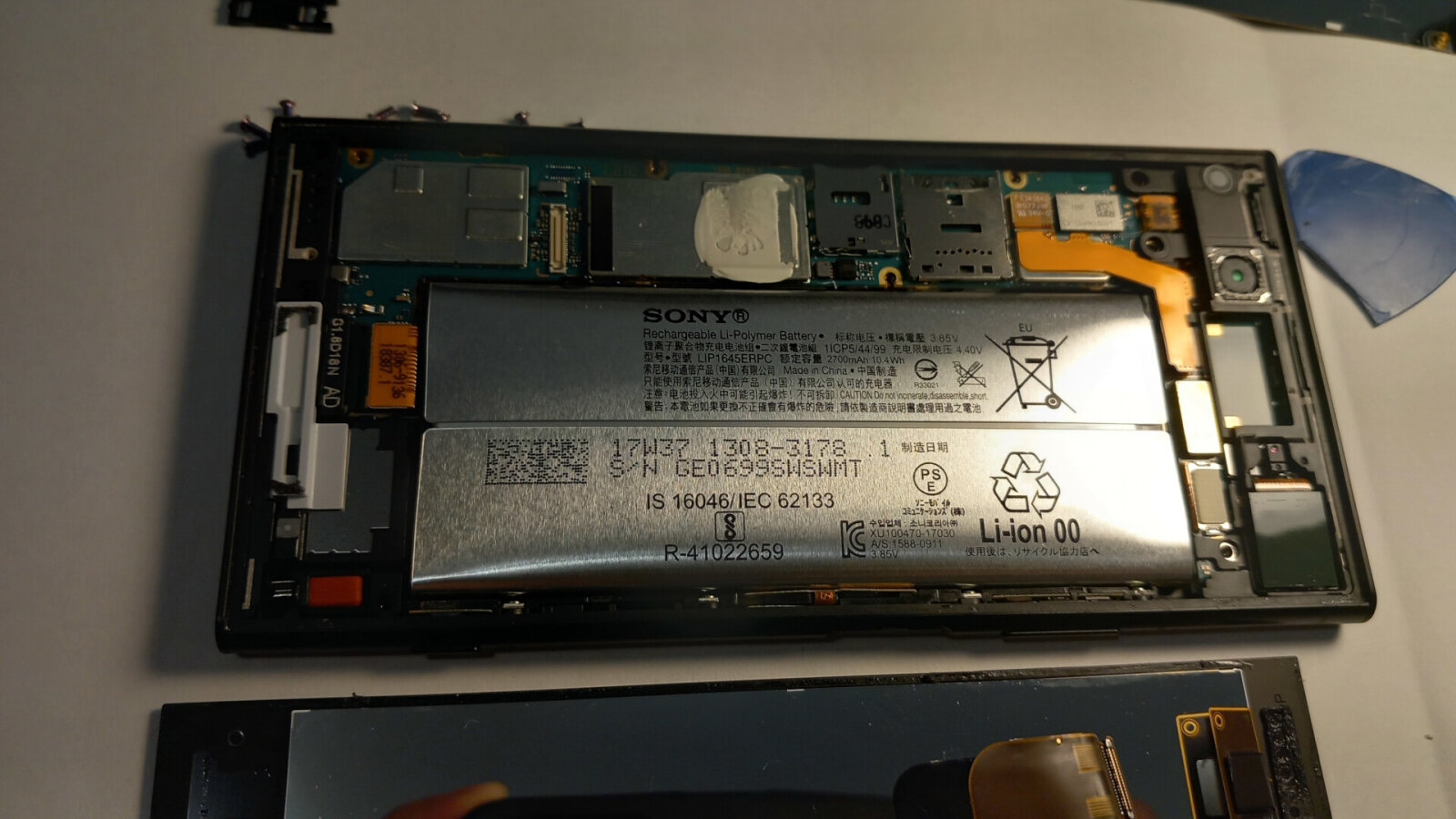
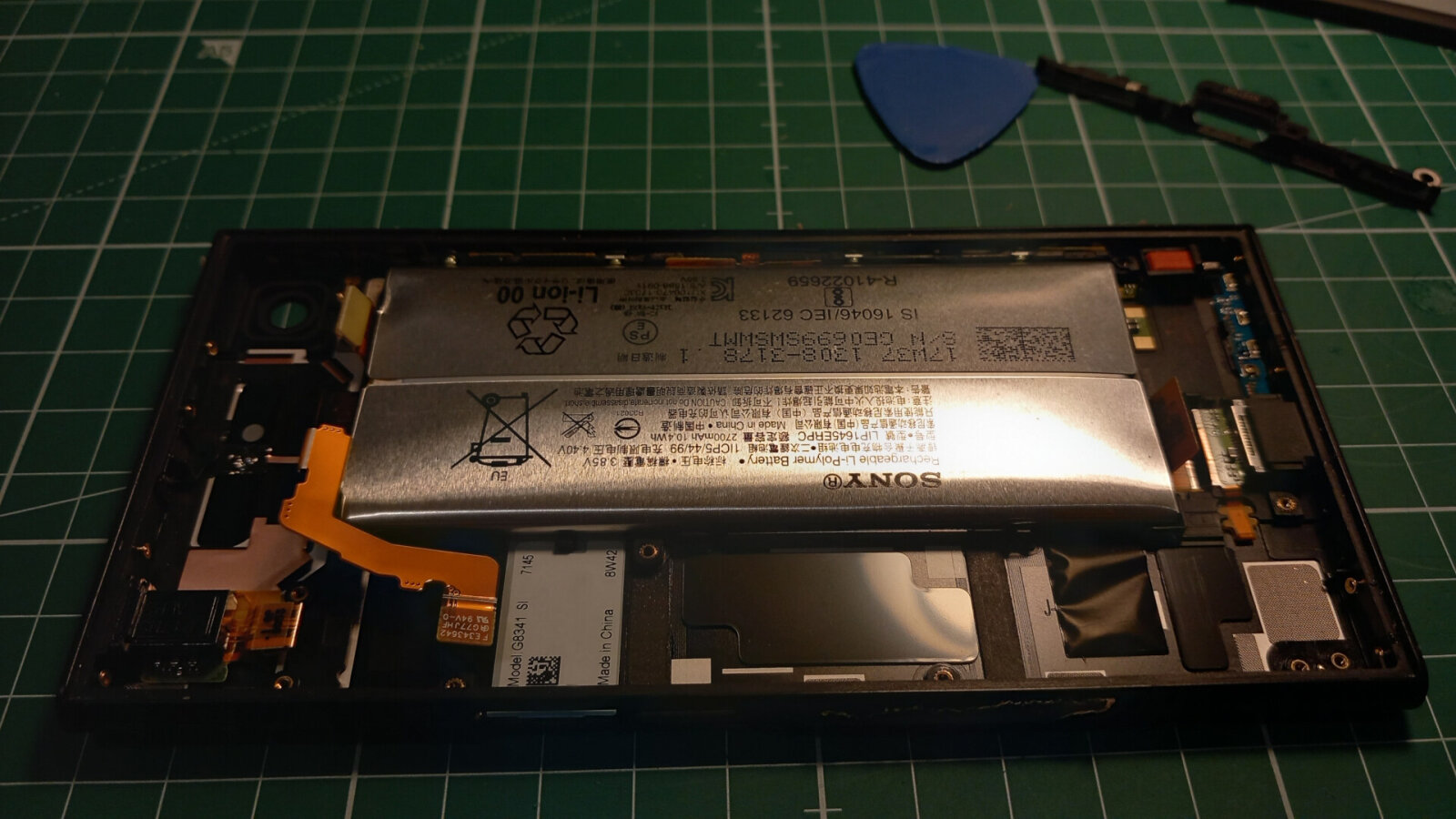
Xperia XZ1 Battery Replacement
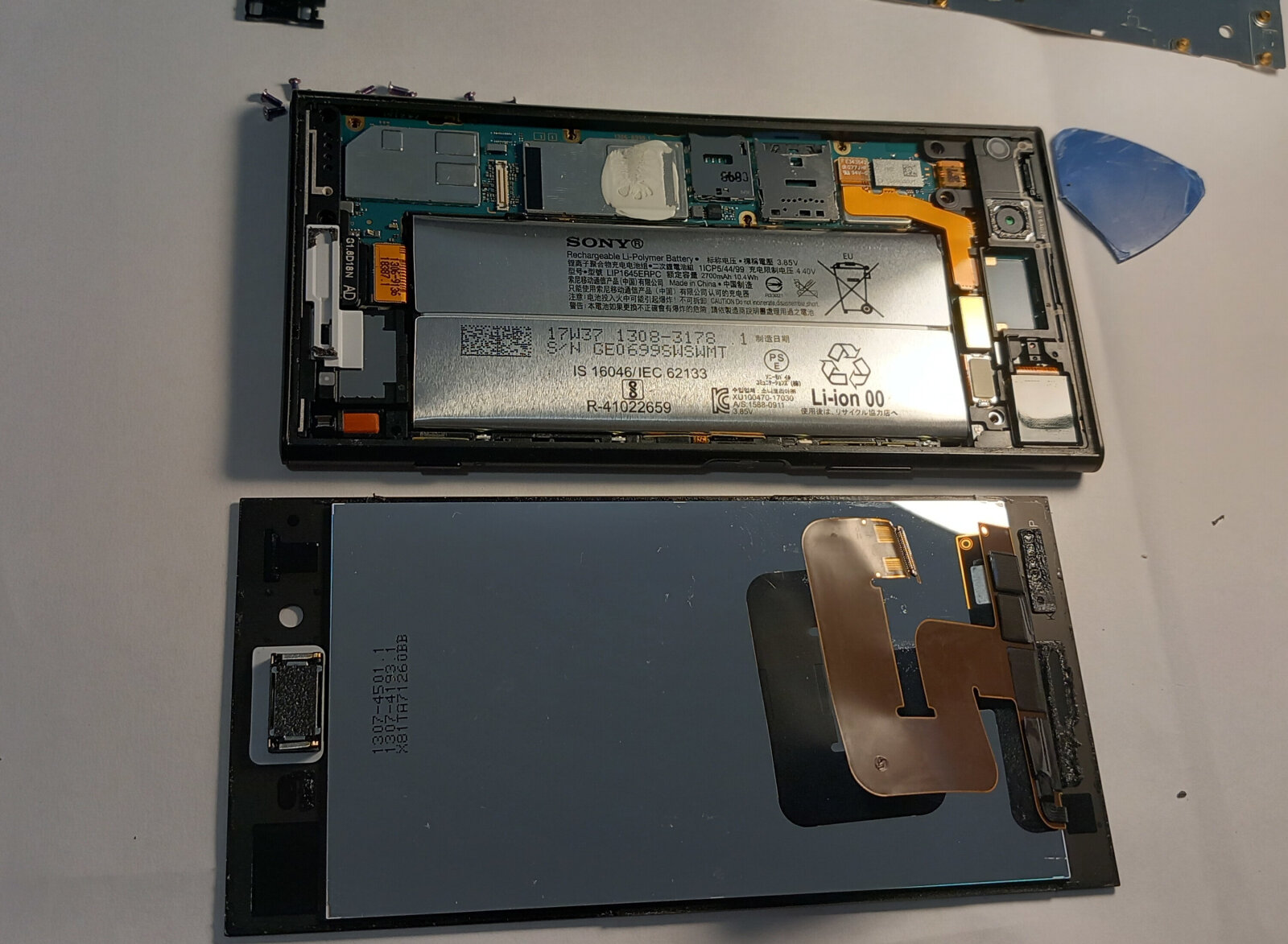
The battery is a bit worn out and has swollen.
I need to get it replaced ASAP.
20260812_192803.jpg
20260807_200038.jpg
20260812_194538.jpg
Configuring WireGuard on CentOS, Debian, Ubuntu, and FreeBSD in four different ways
7/August/2026 wireguardcentosdebianubuntufreebsd
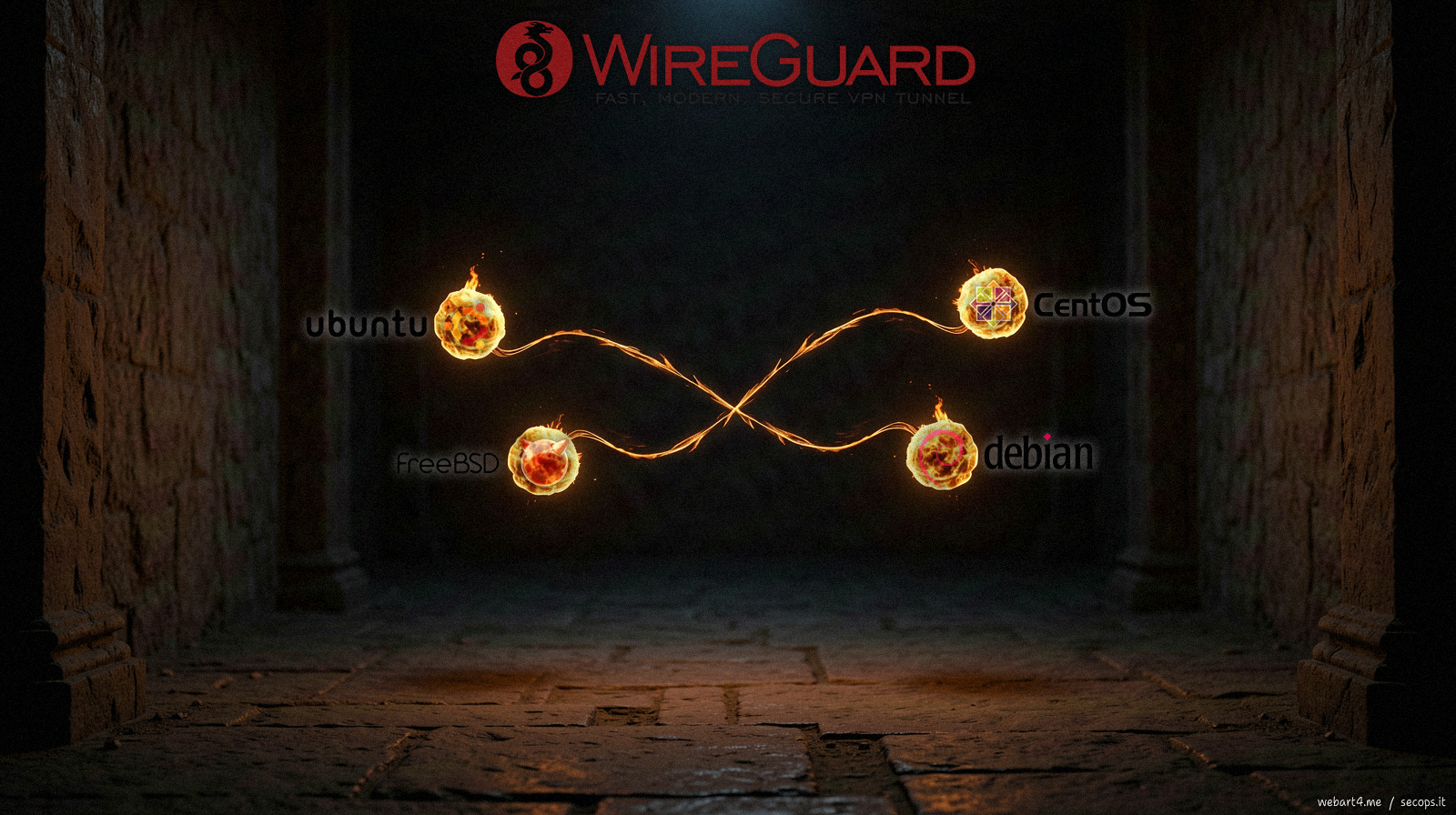
Below is a set of snippets for configuring WireGuard for three different Linux distributions and FreeBSD.
The setup assumes a Debian server with a 10.9.21.0/24 network.
Server, Debian
apt install wireguard-tools
nano /etc/network/interfaces.d/wg0
umask 077
cd /etc/wireguard/
wg genkey > server-private.key
wg pubkey < server-private.key > server-public.key
nano /etc/wireguard/wg0.conf
1 2 3 4 5 6 7 8 9 10 11 12 13 14 15 16 17 18 19 20 21 22 23 | |
Customizing Keychron Q6 Ultra
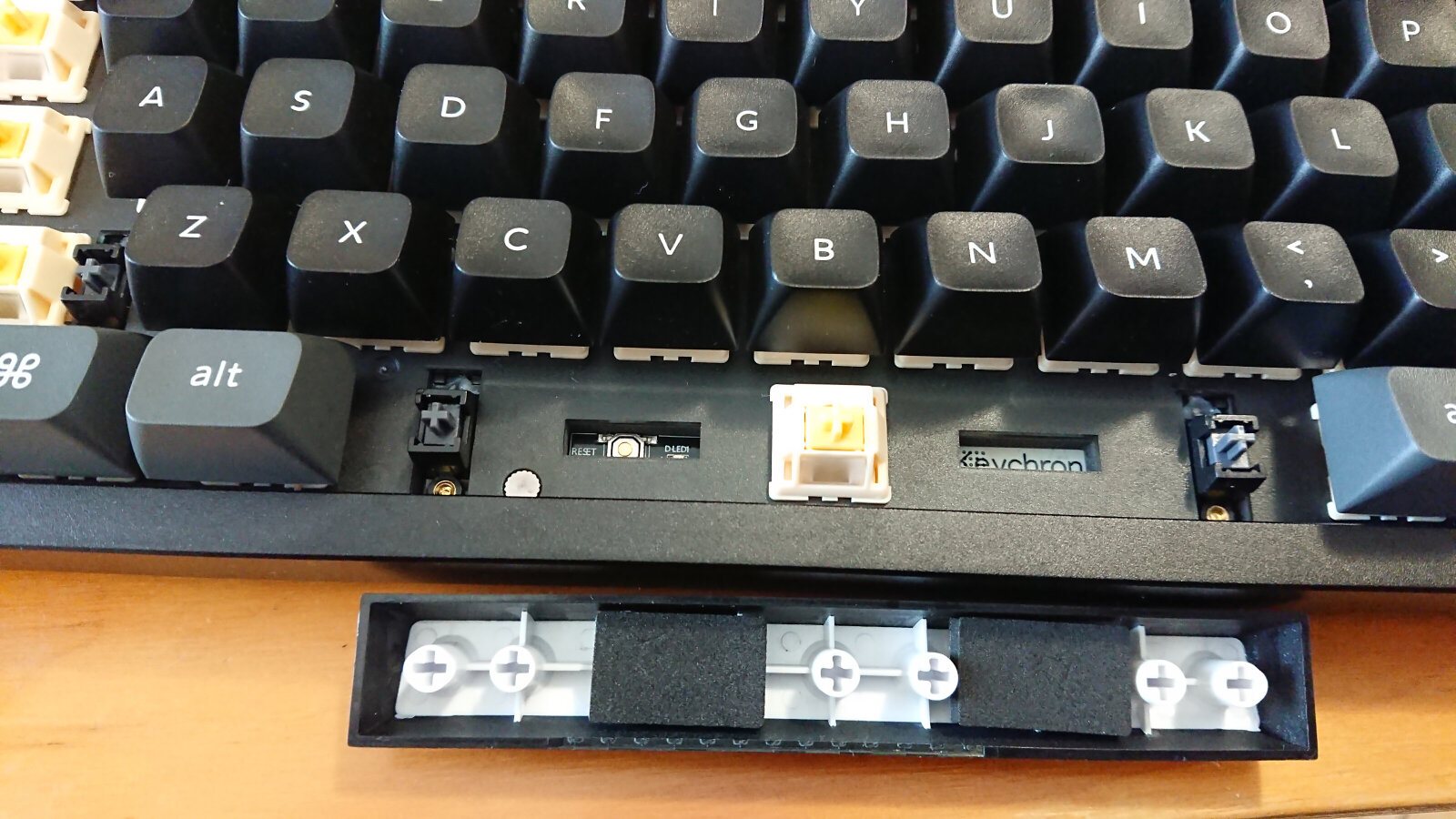
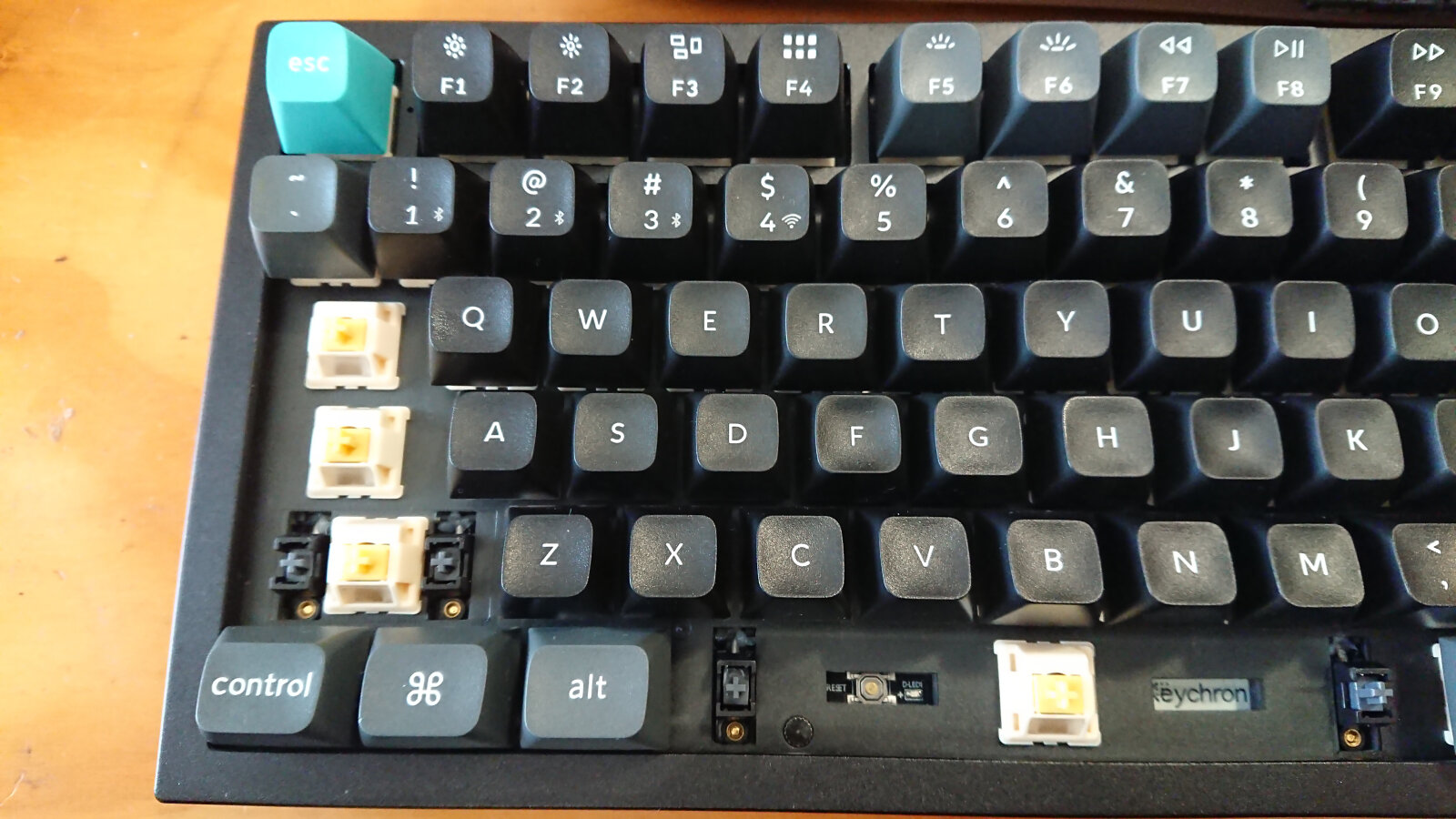
IMG_20260424_133715.jpg
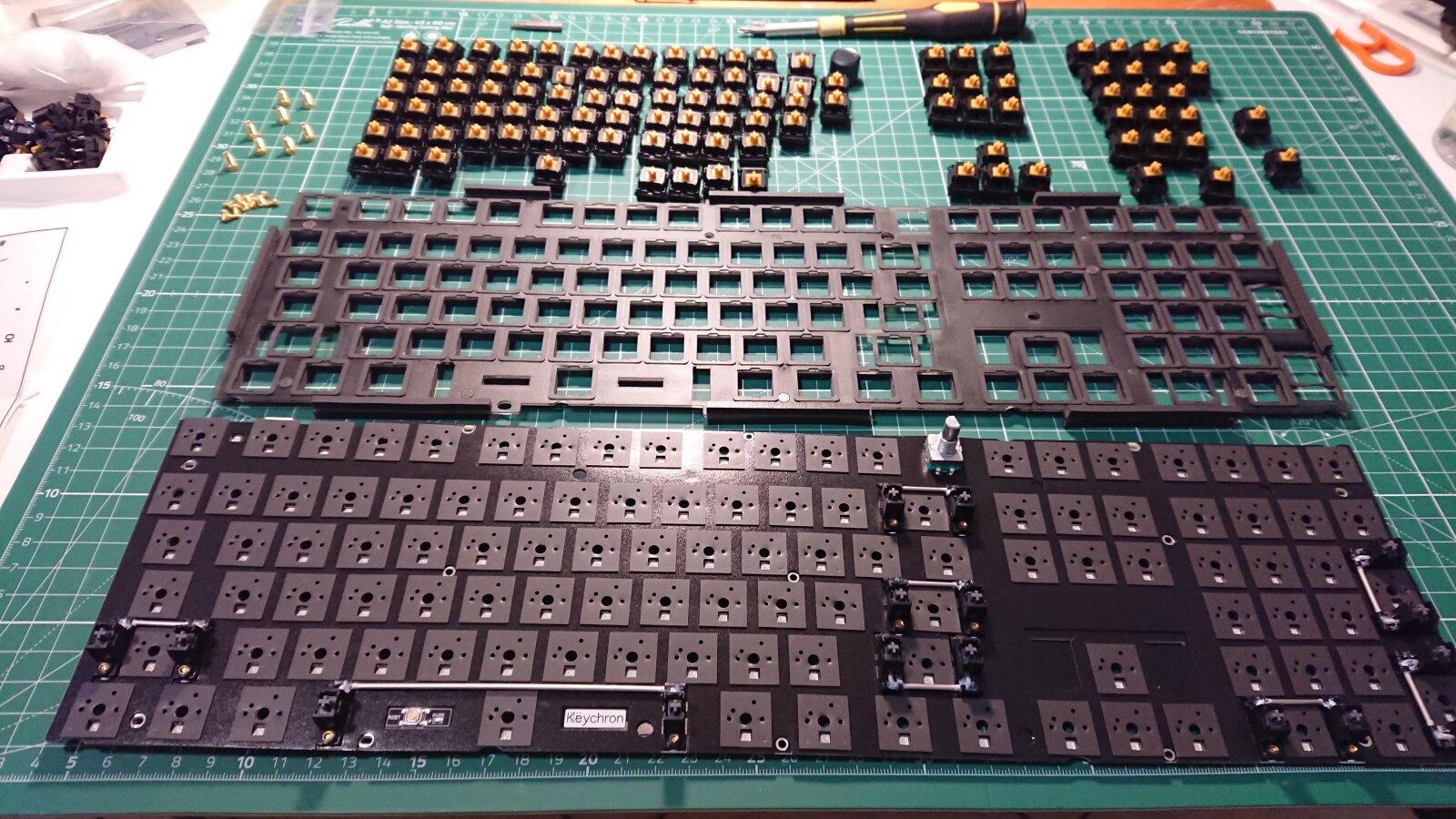
IMG_20260618_231248.jpg
IMG_20260807_120342_5k.jpg
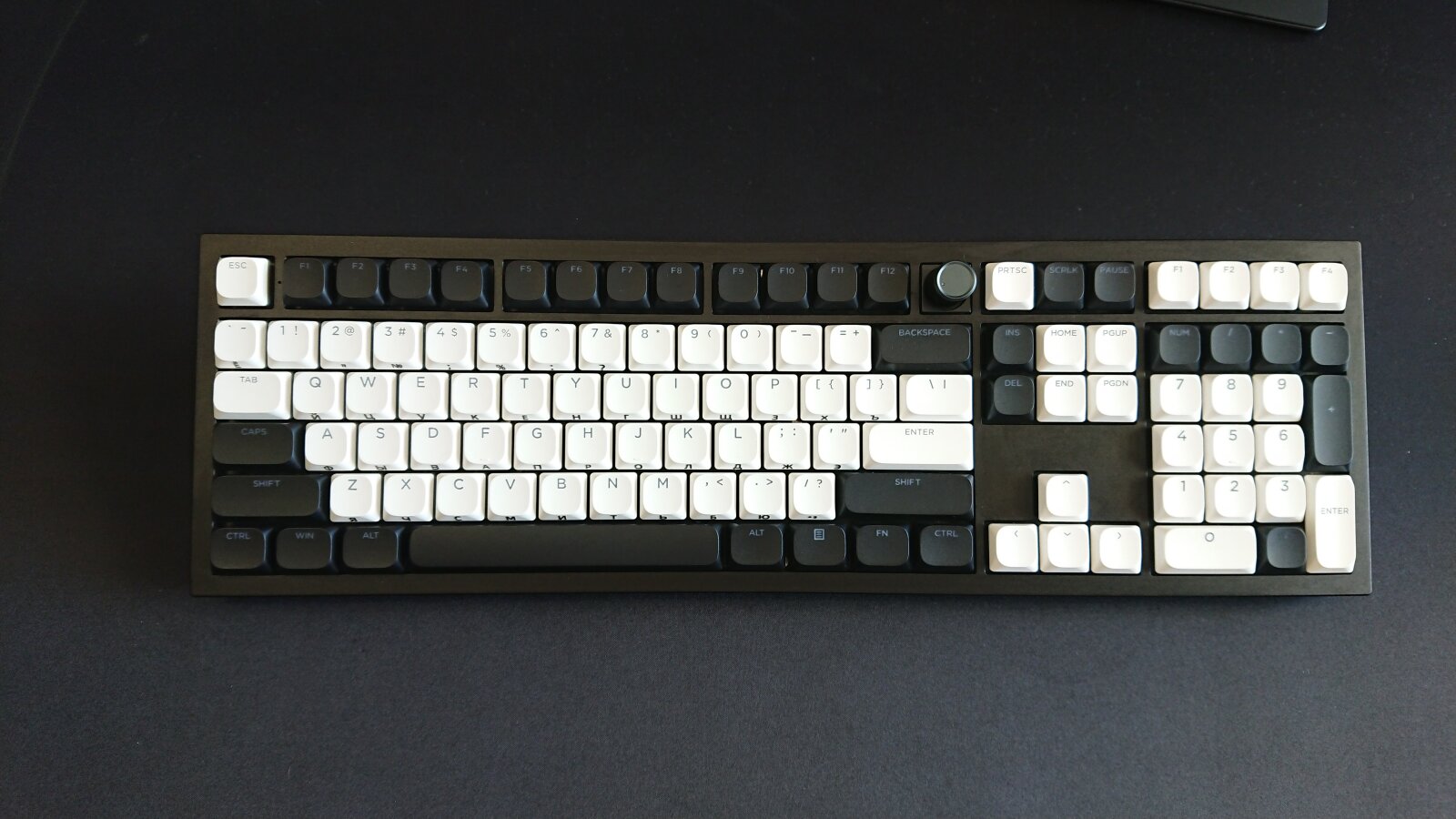
The stock Keychron keycaps with the OSA profile look not bad, but I’m not a lover of typewriters aesthetic.
Since I’m used to hitting combos like CTRL/SUPER/ALT/SHIFT with a single finger for certain shortcuts, I needed to find low-profile keycaps that are all the same height.
Pressing two keys simultaneously may be unfamiliar to casual typists, but if you use a tiling WM, where everything from launching apps to window management - is shortcut-based, it makes total sense.
I immediately picked up some pretty decent low-profile Womier keycaps.
The undersides might have some mold marks, but with a little modding, they are actually quite good.
I also picked up some OUTEMU Half-height switches for testing.
They are low-profile, but that’s all.
The tactile feel is non-existent.
Looking ahead: the stock Keychron Silk POM Tactile Bananas are very good, but they honestly can’t be compared to the Gazzew Boba Black U4T.
Deeper Sonar: How to Save €170 on a Repeater
26-06-22_13-14-43_4184.jpg
26-06-22_13-15-01_4185.jpg
26-06-22_13-22-07_4186.jpg
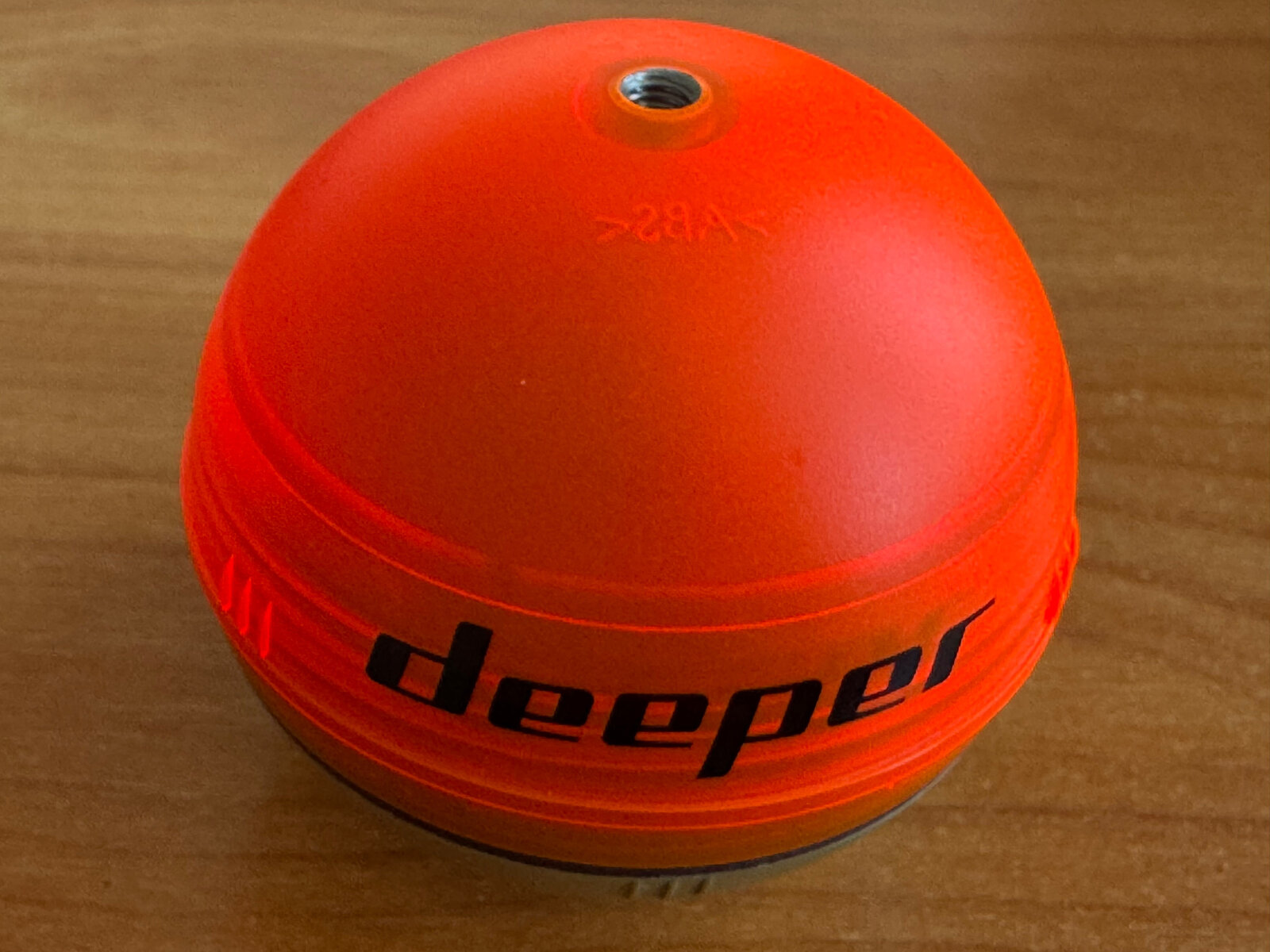
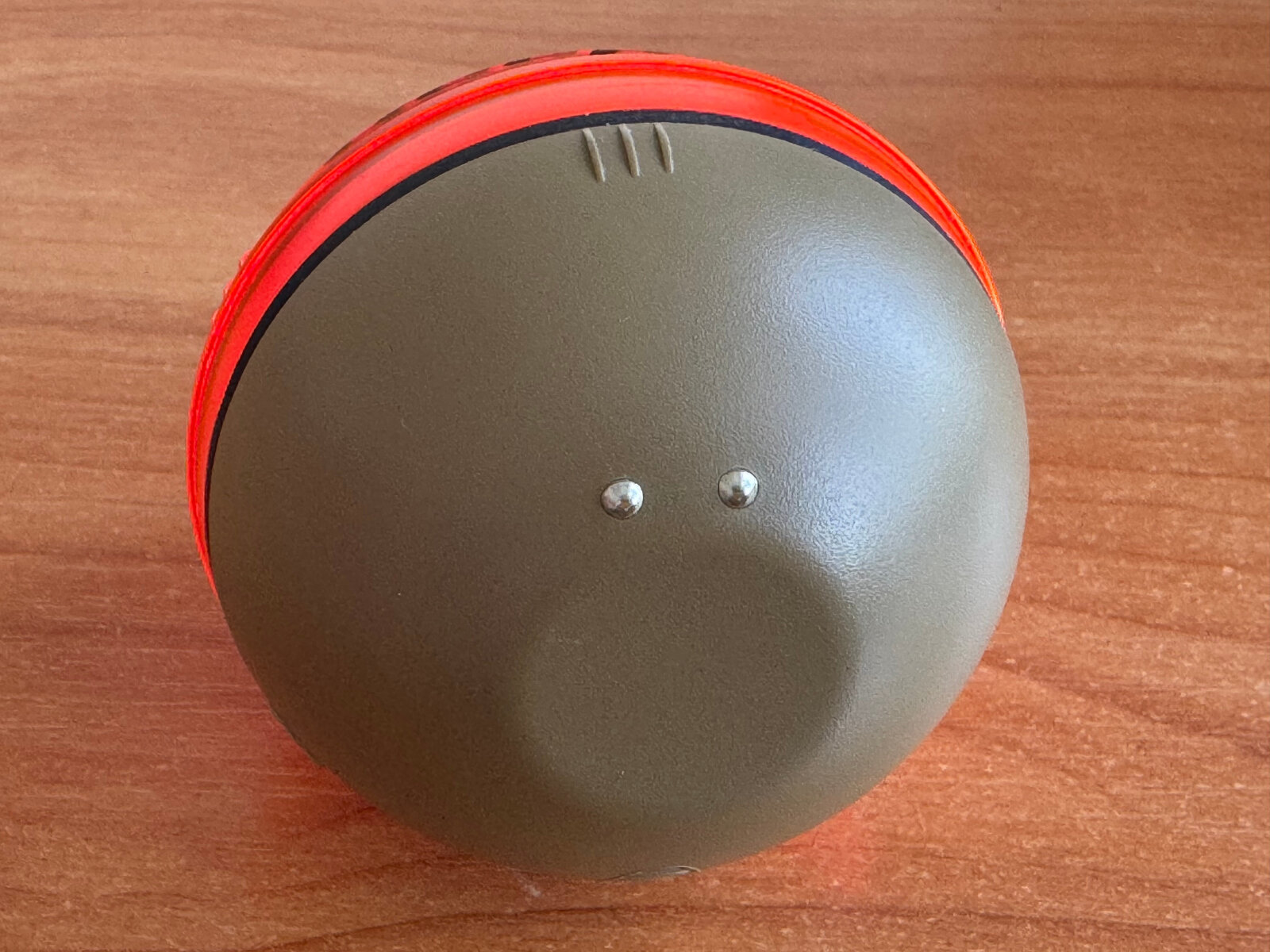
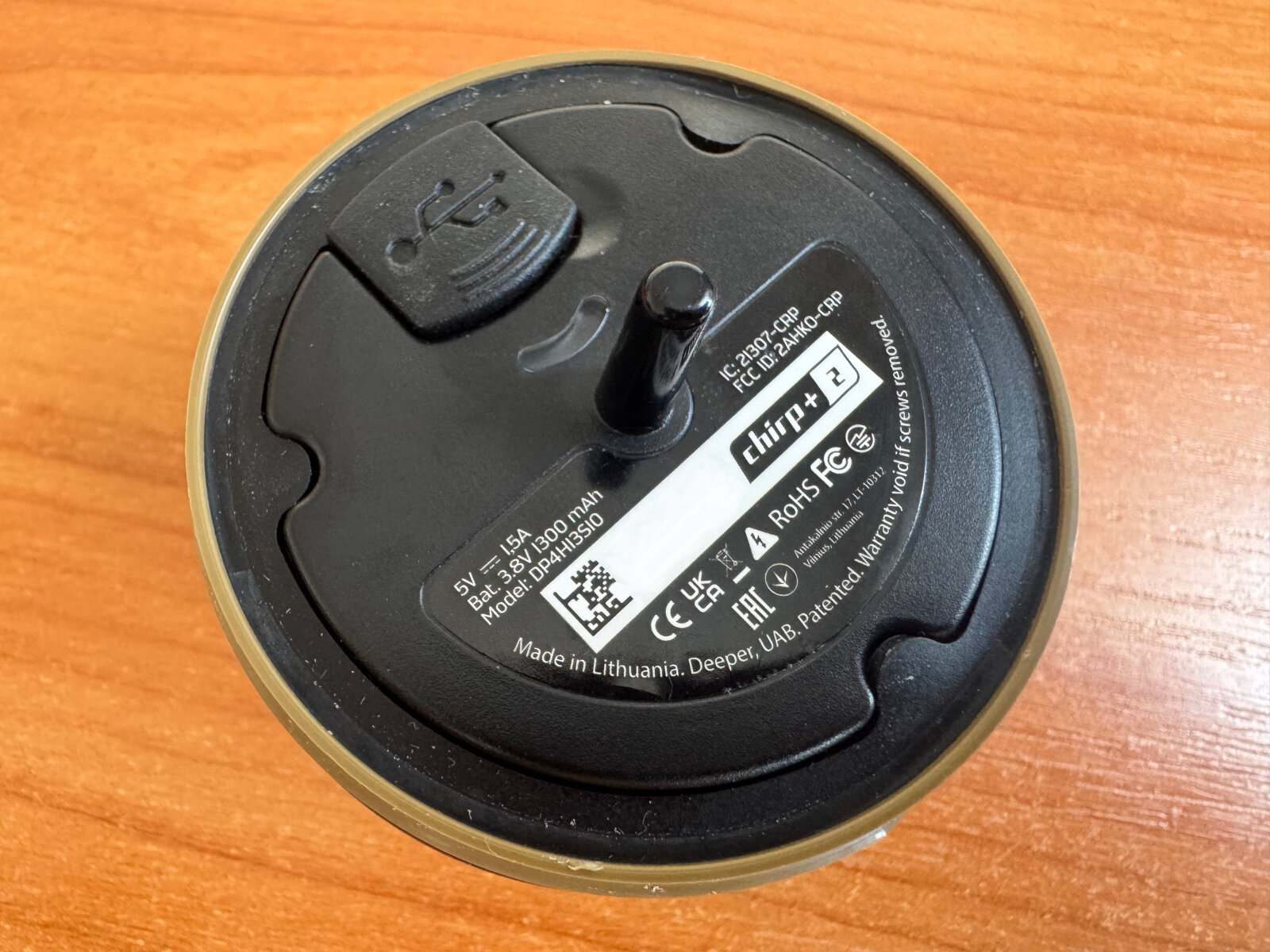
We have a Deeper DP4H13S10 sonar, and the goal is to increase its signal range.
The original Deeper Range Extender costs about €195.
How can we solve this using what we already have? And even make it better?
It’s very simple.
Compromise of 32 Red Hat packages in the NPM directory and 1,577 packages in the AUR repository
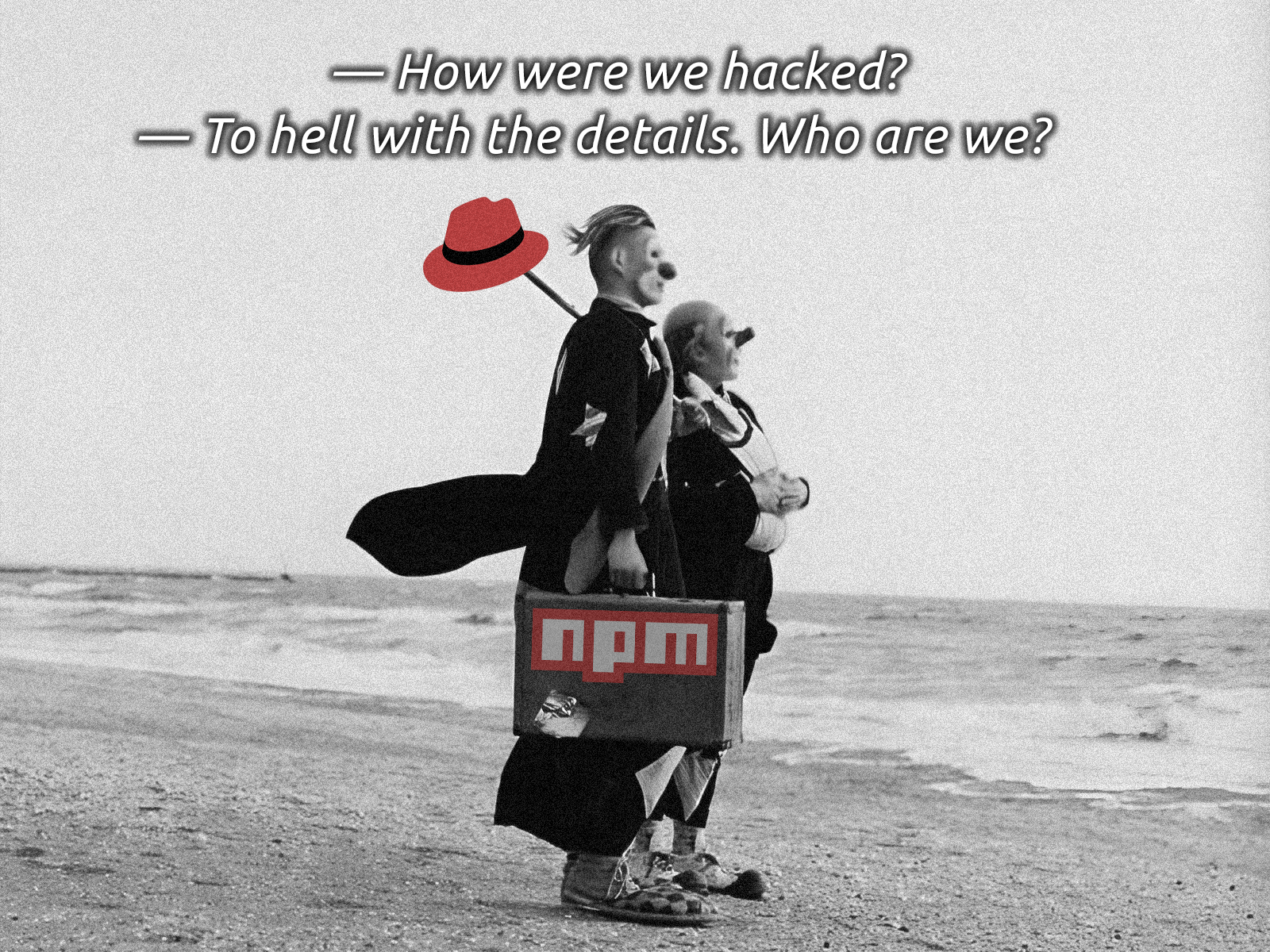
A good addition to the collection.
The news needs to be given time to settle, and then the details can be savored.
- Red Hat, RED HAT, CARL!
- GitHub Actions, as usual.
- NPM, we’re already used to it.
- Arch User Repository, it’s already more interesting.